










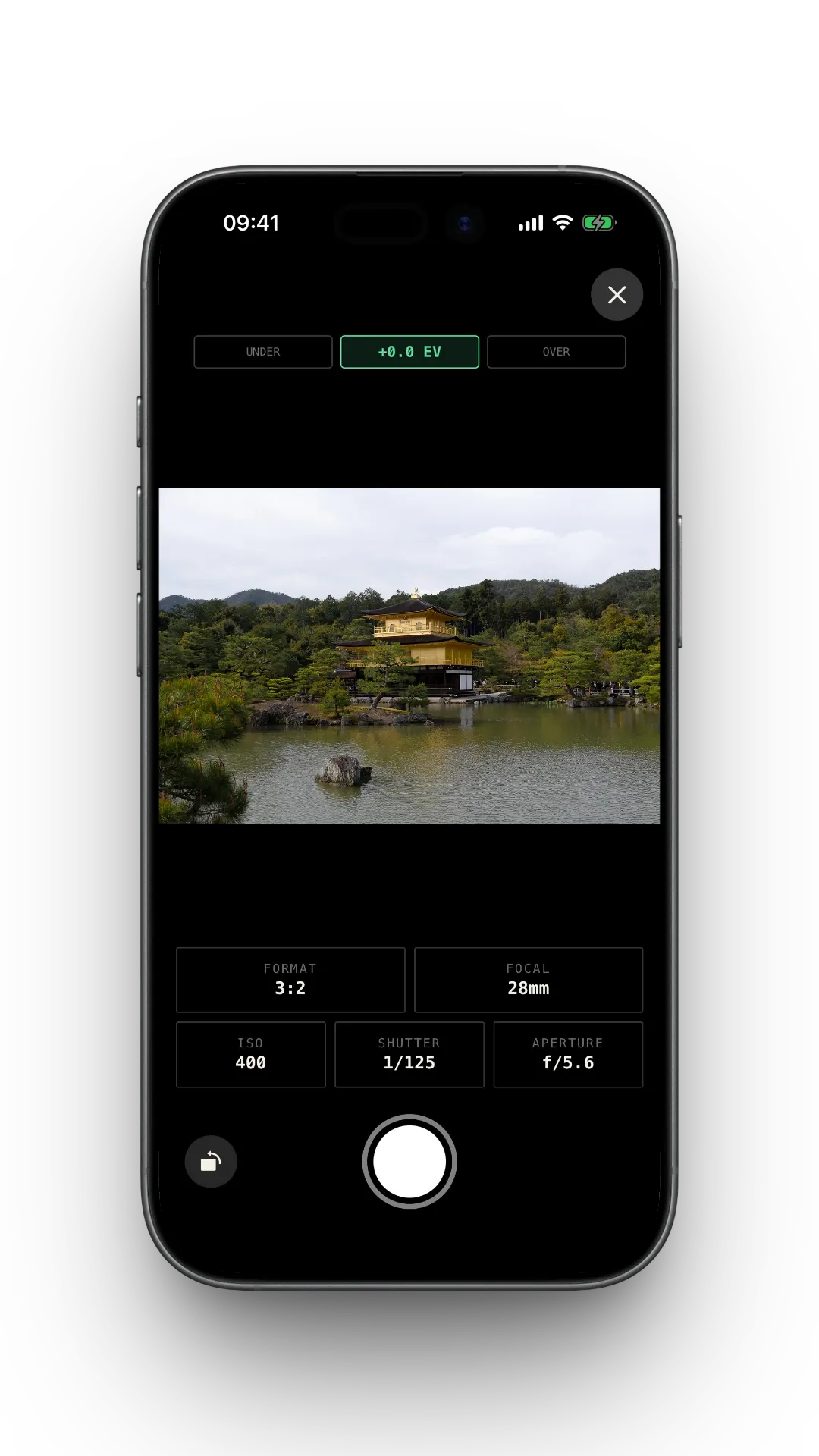
A companion app for film photographers. Log the camerea settings on every frame, so when the negatives come back, you know exactly how you made the shot.
How F1lmlog works
Set the camera.
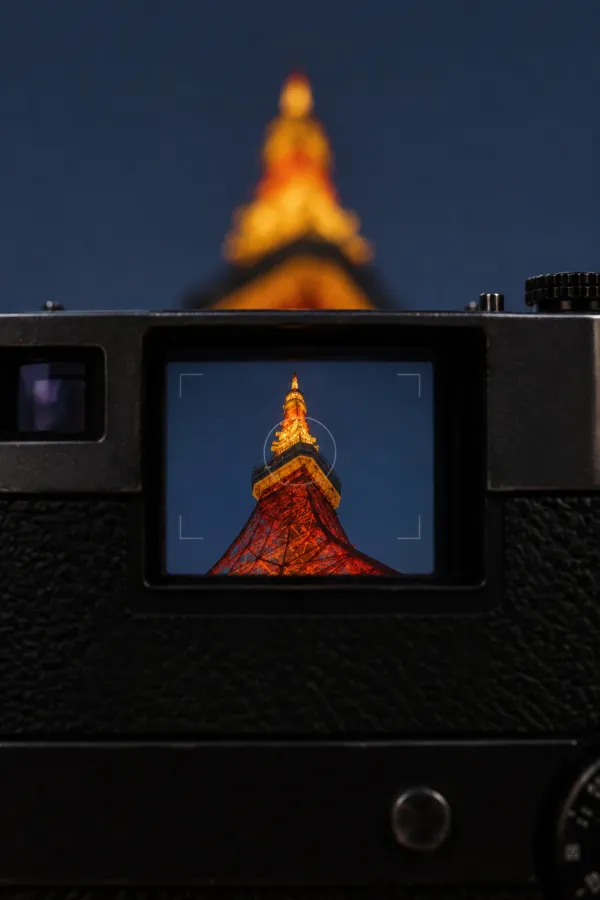
Frame it. Fire.
Read the light, dial in shutter, aperture, ISO — then compose, focus, breathe, press. F1lmlog does not override your instincts — the analog decision is yours, and one of 36 exposures is now committed to silver.
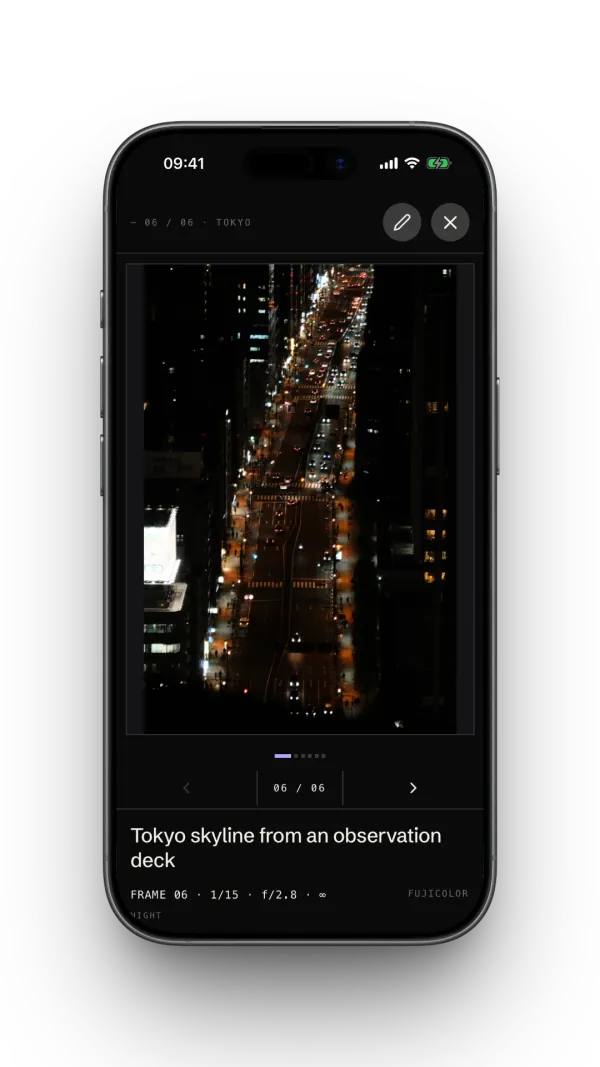
Log the exposure
in the app.
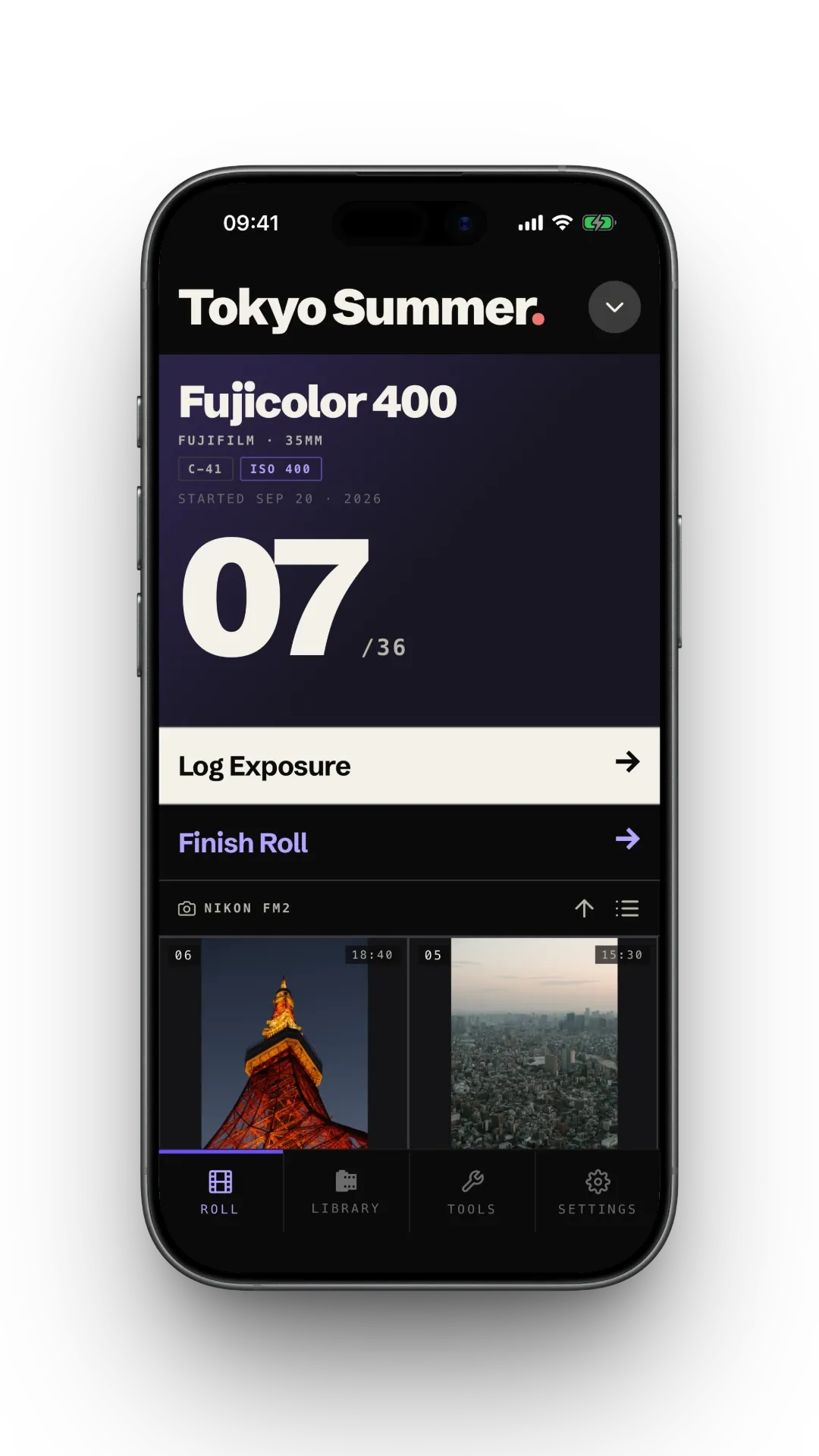
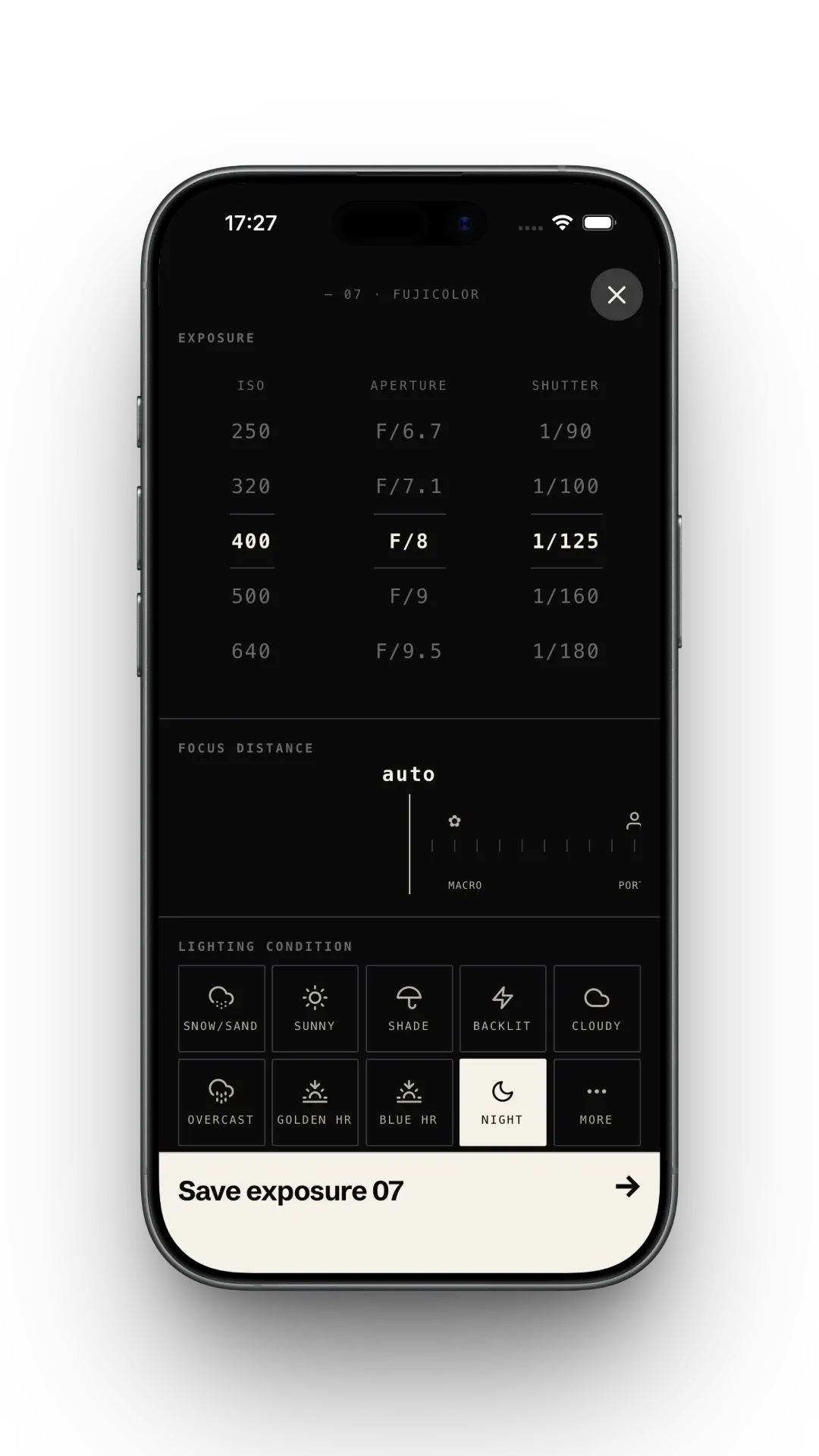
Open F1lmlog, hit log on the active roll, tap the settings you just used. Thirty seconds and the frame metadata is captured — gear, light, subject, intent.
Snap a reference
with your phone.
Tap reference, fire your phone's camera, attach. Months later when the negative comes back you can hold the digital shadow next to the film original and study what changed.
- — 01SHUTTER · 1/125
- — 02APERTURE · f/8
- — 03ISO · 400
- — 04FRAME · 08 / 36
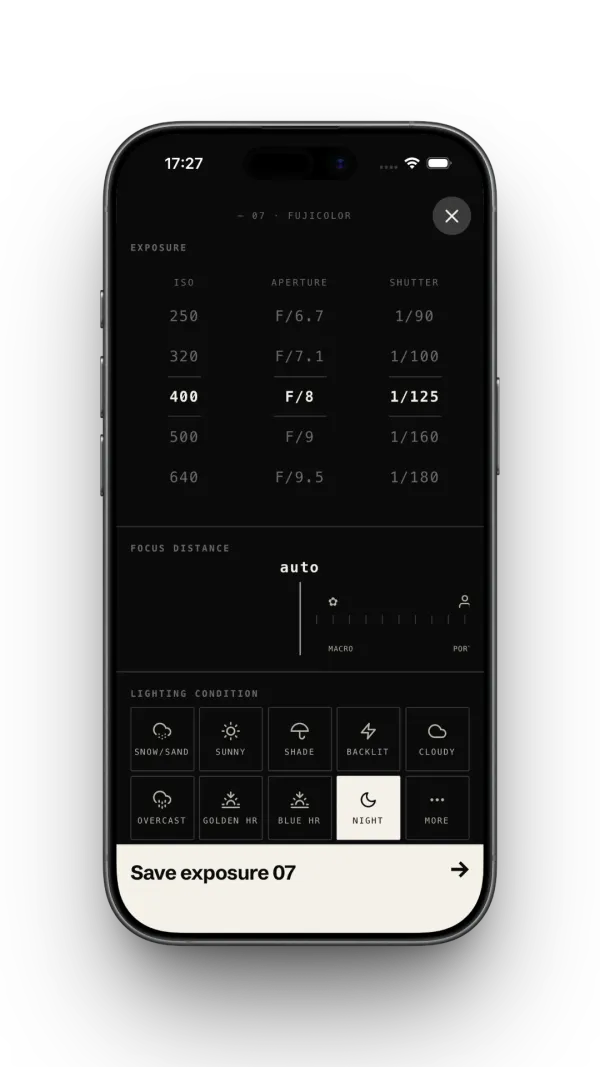
- ISO400
- Shutter1/125
- Apertureƒ/8
- FlashOff
- Focus∞
- Frame08/36







Features
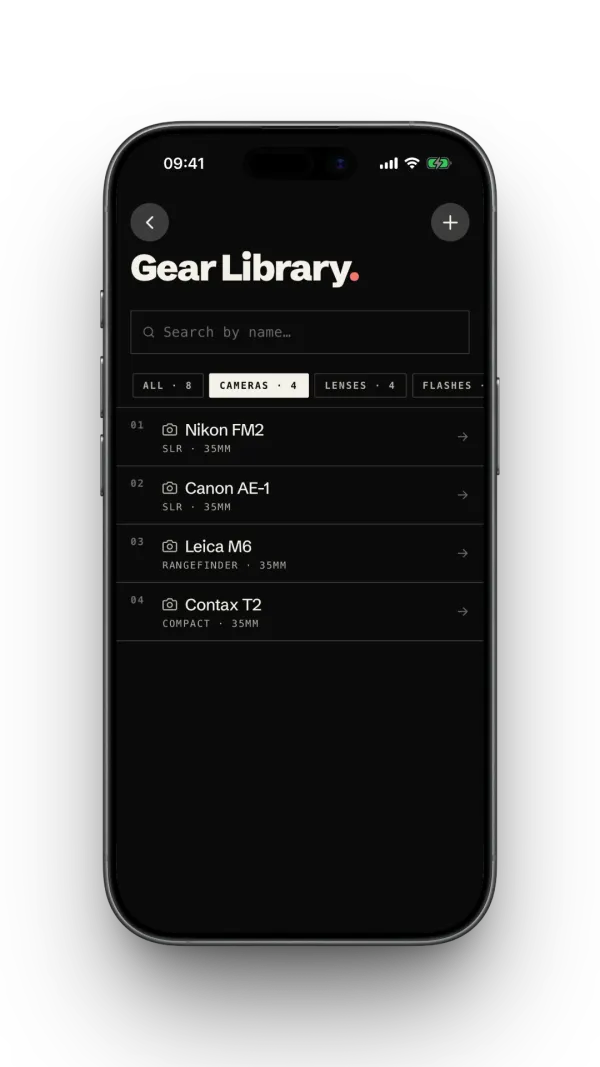
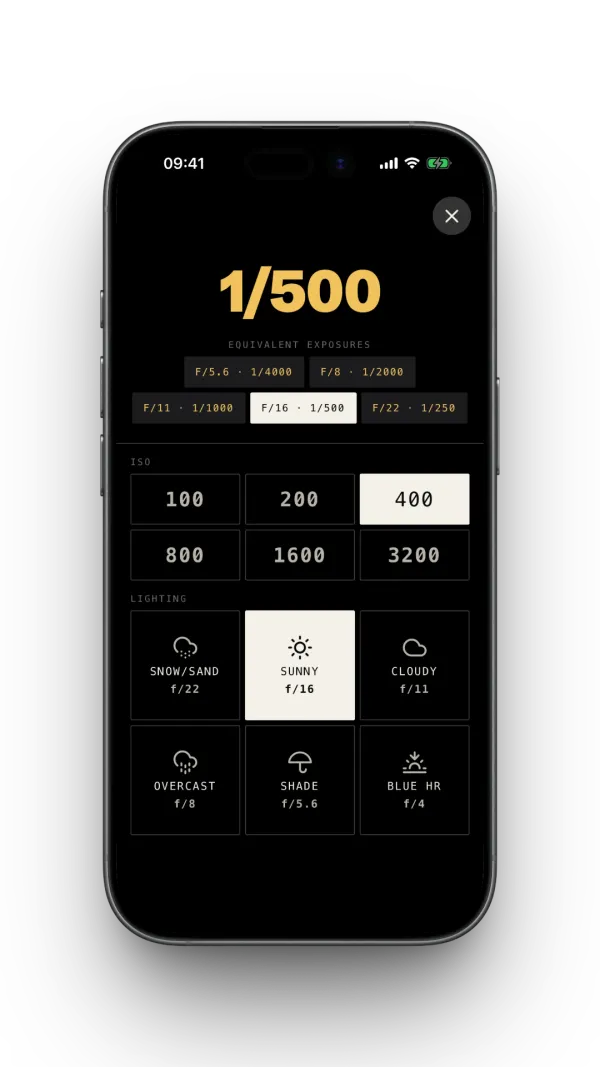
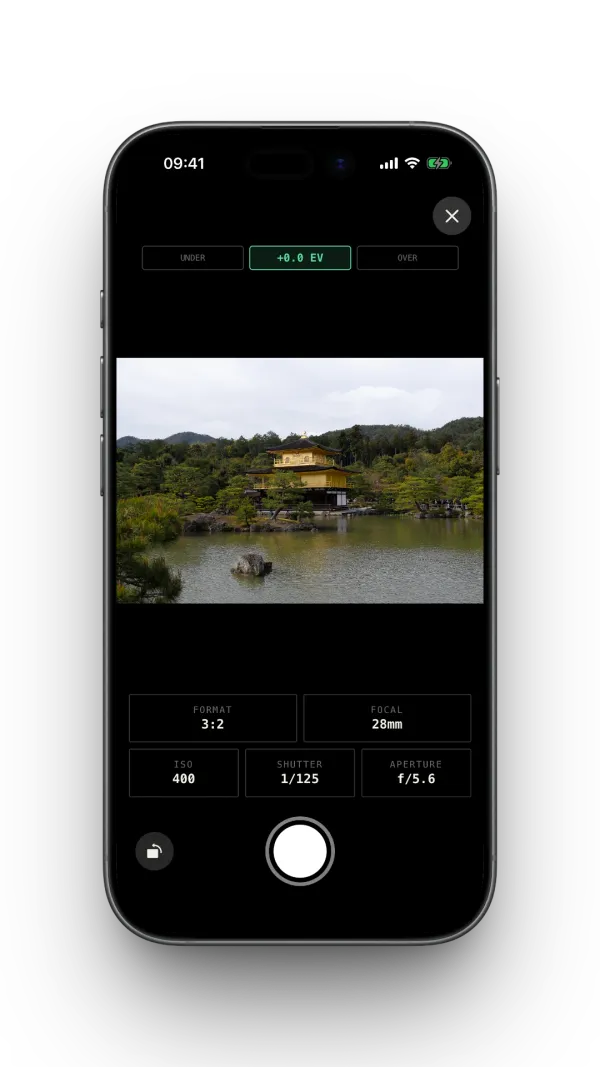
No account.
No ads.
Local first.
No account
Open the app and start shooting. There's nothing to sign up for and nothing to log in to — sync uses the Apple Account already on your iPhone.
No ads, no tracking
No advertising, no analytics, no third-party SDKs — nothing watching what you do.
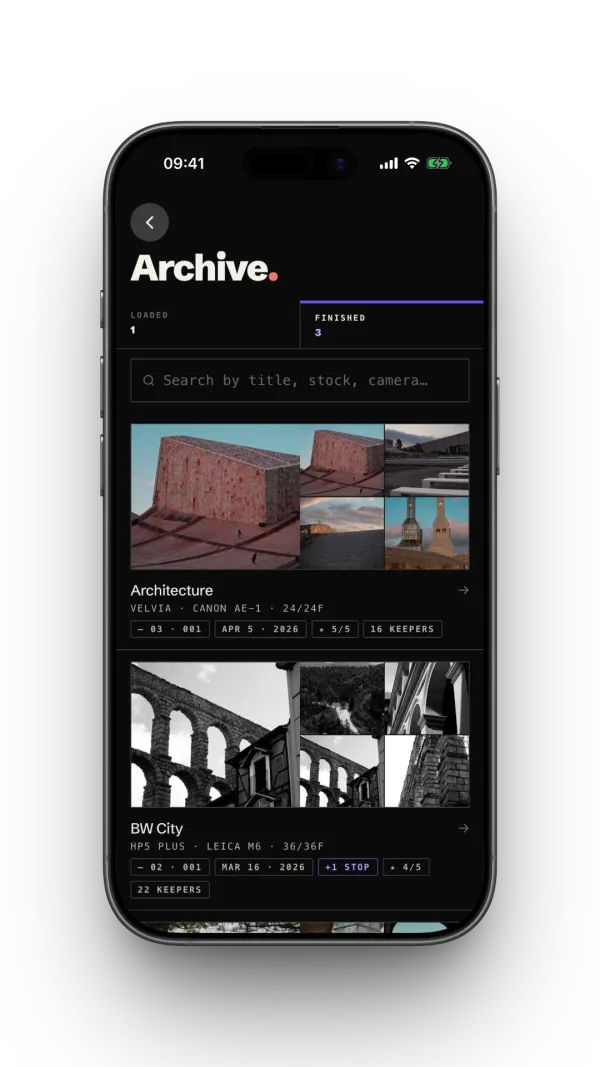
Your data, your iCloud
Rolls, exposures, gear and photos live on your iPhone. Turn on iCloud Sync to see them on your other devices — kept in your own iCloud, never on our servers. Export everything whenever you like.